

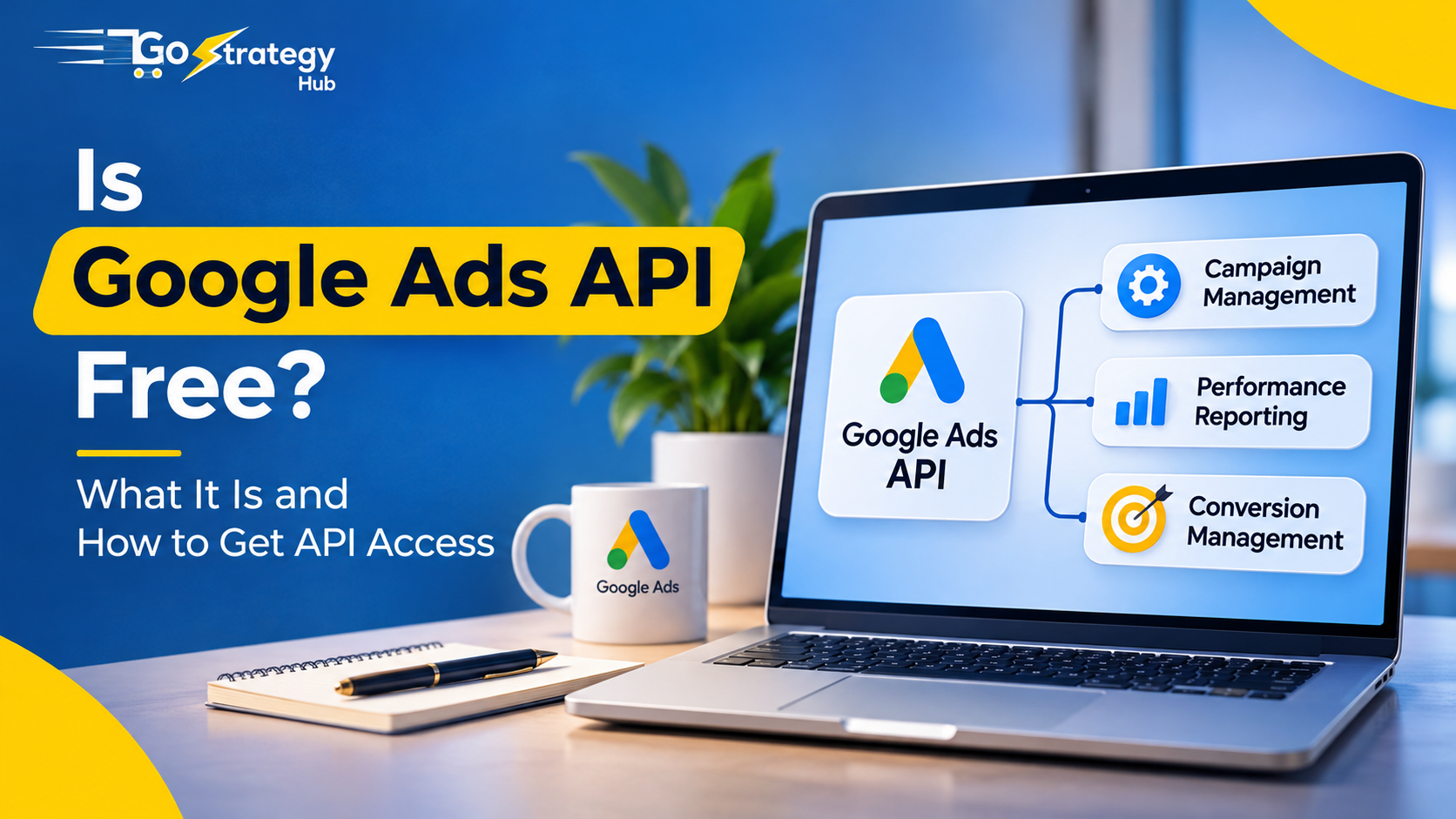
Google Ads helps businesses reach potential customers, generate leads and increase online sales. But managing multiple campaigns, downloading reports and checking performance manually can take a lot of time.
This is where Google Ads API becomes useful.
It allows you to connect Google Ads with other applications, automate repetitive tasks and manage advertising data more efficiently.
Let’s understand what Google Ads API is, whether it is free and how you can get access.
What Is API in Google Ads?
API stands for Application Programming Interface.
In simple words, an API allows two different software applications to communicate with each other.
Google Ads API connects your application or software with your Google Ads account. It allows you to manage campaigns, retrieve advertising data and automate different marketing activities without performing every task manually.
For example, imagine managing Google Ads campaigns for five different clients. Instead of opening every account separately to download reports, you can use Google Ads API to collect campaign data and display it in one dashboard.
With Google Ads API, you can:
- Create and update advertising campaigns.
- Manage ad groups and keywords.
- Retrieve impressions, clicks and cost data.
- Monitor conversions and ROAS.
- Manage budgets and bidding strategies.
- Import eligible offline conversion data.
- Automate campaign reporting.
This makes Google Ads API particularly useful for agencies, developers and businesses managing multiple advertising accounts.
Is Google Ads API Free?
Yes, Google Ads API access is free. Google does not charge a separate API usage fee for accessing campaign information or managing advertising operations through the API.
However, some additional expenses may apply depending on how you use it.
| Service | Cost |
|---|---|
| Google Ads API access | Free |
| Google Cloud project creation | Free |
| API activation | Free |
| OAuth 2.0 authentication | No separate API fee |
| Custom software development | Depends on developer |
| Hosting and infrastructure | Depends on usage |
| Third-party automation tools | Depends on provider |
| Google Ads campaign spending | Paid separately |
Therefore, you can use Google Ads API without paying Google an additional API usage charge. However, development and software costs may apply.
How Do You Get Google Ads API?
Getting Google Ads API access requires a few technical steps.
Step 1: Create a Google Cloud Project
Visit Google Cloud Console and sign in with your Google account.
Create a new project and configure the required settings. This project will manage your API configuration and authentication.
Step 2: Enable Google Ads API
Open the API Library in Google Cloud Console.
Search for Google Ads API and enable it for your project.
Step 3: Configure OAuth 2.0 Authentication
OAuth 2.0 allows your application to securely access Google Ads accounts.
Configure the appropriate authentication credentials and permissions for your application.
Step 4: Set Up API Access
Follow the Google Ads API onboarding process in Google Cloud Console and check your project’s access level.
Google moved its API onboarding and access management to Google Cloud in 2026. The old developer-token application process was sunset in September 2026.
Step 5: Connect Your Google Ads Account
Once authentication and access are configured, connect your authorized Google Ads account using its Customer ID.
You can now use API requests to retrieve campaign information and perform supported advertising operations.
What Can You Automate With Google Ads API?
Google Ads API can help simplify several advertising activities.
| Activity | Application |
|---|---|
| Campaign management | Create and update campaigns |
| Reporting | Retrieve clicks, impressions and cost |
| Keyword management | Retrieve and manage keywords |
| Budget management | Update campaign budgets |
| Conversion management | Import eligible offline conversions |
| Automation | Build custom reporting workflows |
For example, you can create a reporting dashboard that displays advertising spend, conversions, cost per acquisition and ROAS across multiple accounts.
Instead of spending hours preparing reports, you can focus more on analysing results and improving campaigns.
Google Ads Manager vs Google Ads API
Google Ads Manager is designed for managing campaigns through its interface, while Google Ads API allows you to manage advertising operations programmatically.
Google Ads Manager is useful for everyday campaign management. Google Ads API is more suitable when you need custom integrations, automated reporting or advanced workflows.
Both can work together depending on your business requirements.
Final Thoughts
Google Ads API is useful when you want to move beyond manual campaign management. It connects campaign operations, reporting, conversion measurement and automation into one workflow.
However, having API access does not automatically improve campaign performance. You still need accurate conversion tracking, meaningful data and a proper optimization strategy.
Working with the best performance marketing agency in Mumbai can help you build a stronger advertising system that connects campaign management, tracking, reporting and business growth.
At GoStrategyHub, we focus on performance marketing beyond just running Google and Meta Ads. The goal is to build a complete system that helps businesses generate quality leads, improve conversions and make better marketing decisions.
Frequently Asked Questions
1. Is Google Ads API free for beginners?
Yes. Google does not charge a separate API usage fee. You still need to configure API access and authentication.
2. Do I need coding knowledge to use Google Ads API?
Technical knowledge is generally required to build API integrations. You can work with a developer or use a third-party platform.
3. Can I use Google Ads API for multiple accounts?
Yes. You can manage multiple authorized accounts using suitable account permissions and integrations.
4. Is Google Ads API the same as Google Tag Manager?
No. Google Ads API manages advertising account operations and retrieves campaign data, whereas Google Tag Manager helps manage website tracking tags.
5. Can Google Ads API automatically optimize campaigns?
It can support automated campaign changes through programmed rules. However, you need to configure the logic that determines when and how changes should happen.
